





- Office Products
- February 2, 2026
- No Comments
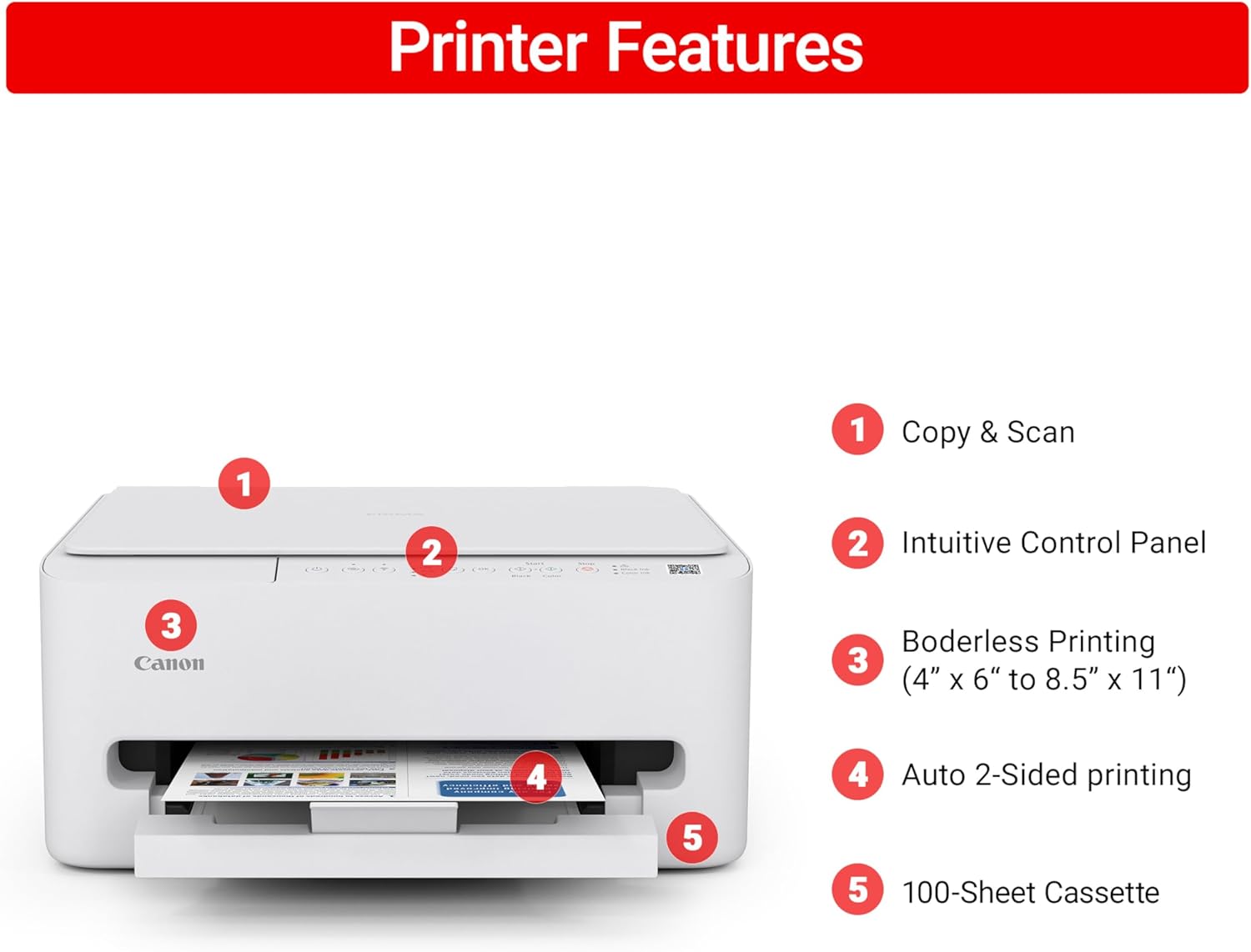
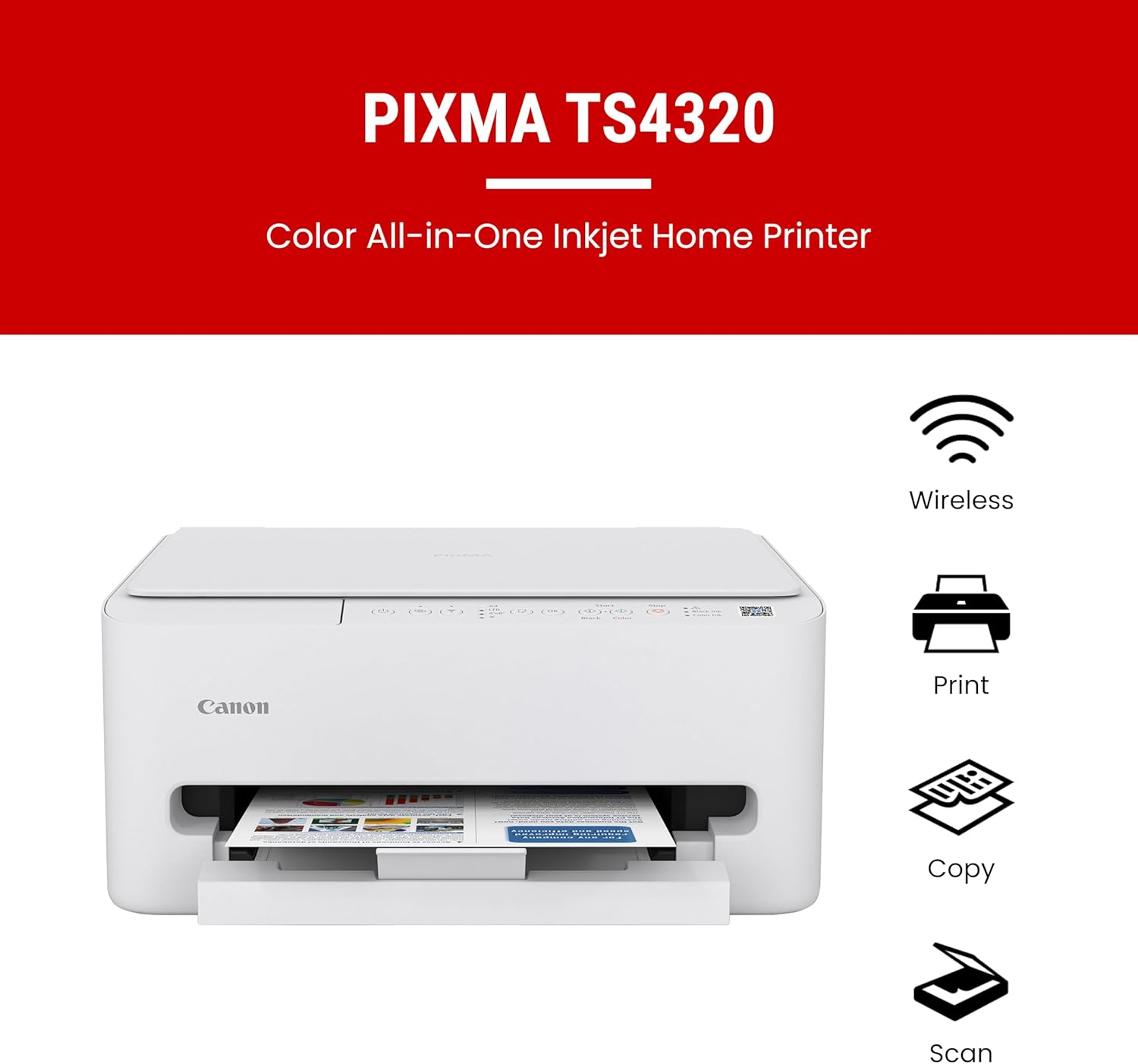
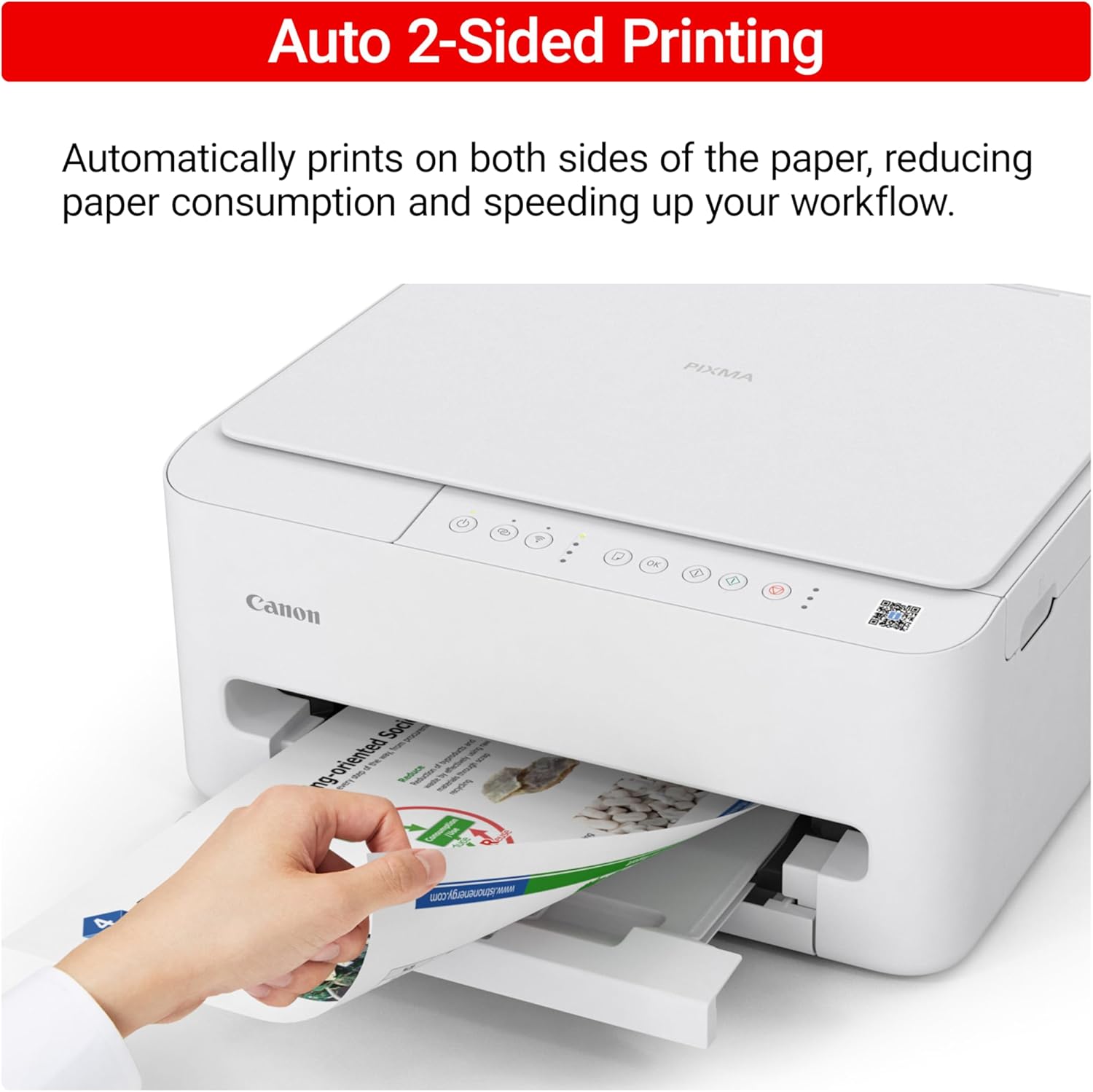
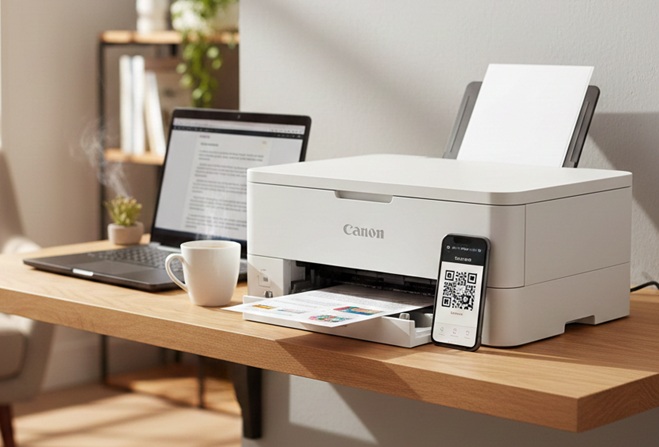
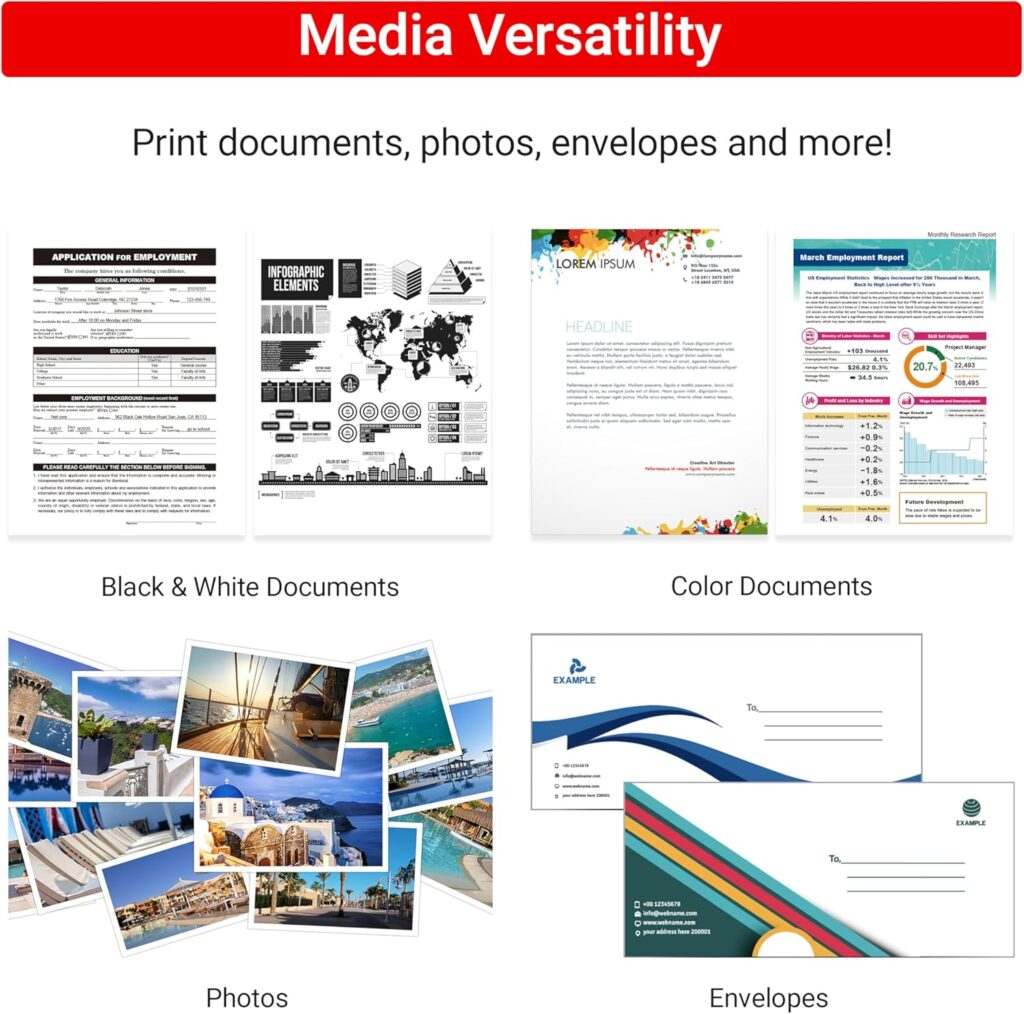
Are you tired of bulky, expensive printers? Finding a compact tool can be tough. Many home office devices cost way too much. Others take up your entire desk space. This Canon PIXMA Wireless Inkjet review explores a better way. The Canon PIXMA TS4320 is a small, white marvel. It handles your printing, scanning, and copying easily. This model aims at students and home users. It offers high value for a low price. You will love the sleek, modern design. It fits into tiny corners or shelves.
Canon PIXMA: Key Specifications and Design
To provide a quick reference for your Canon PIXMA Wireless Inkjet review, here are the technical specifications and key performance metrics for the TS4320.
TS4320: Technical Specifications
Functions: Print, Copy, and Scan
Print Resolution: Up to 1200 x 1200 dpi (Color and Black)
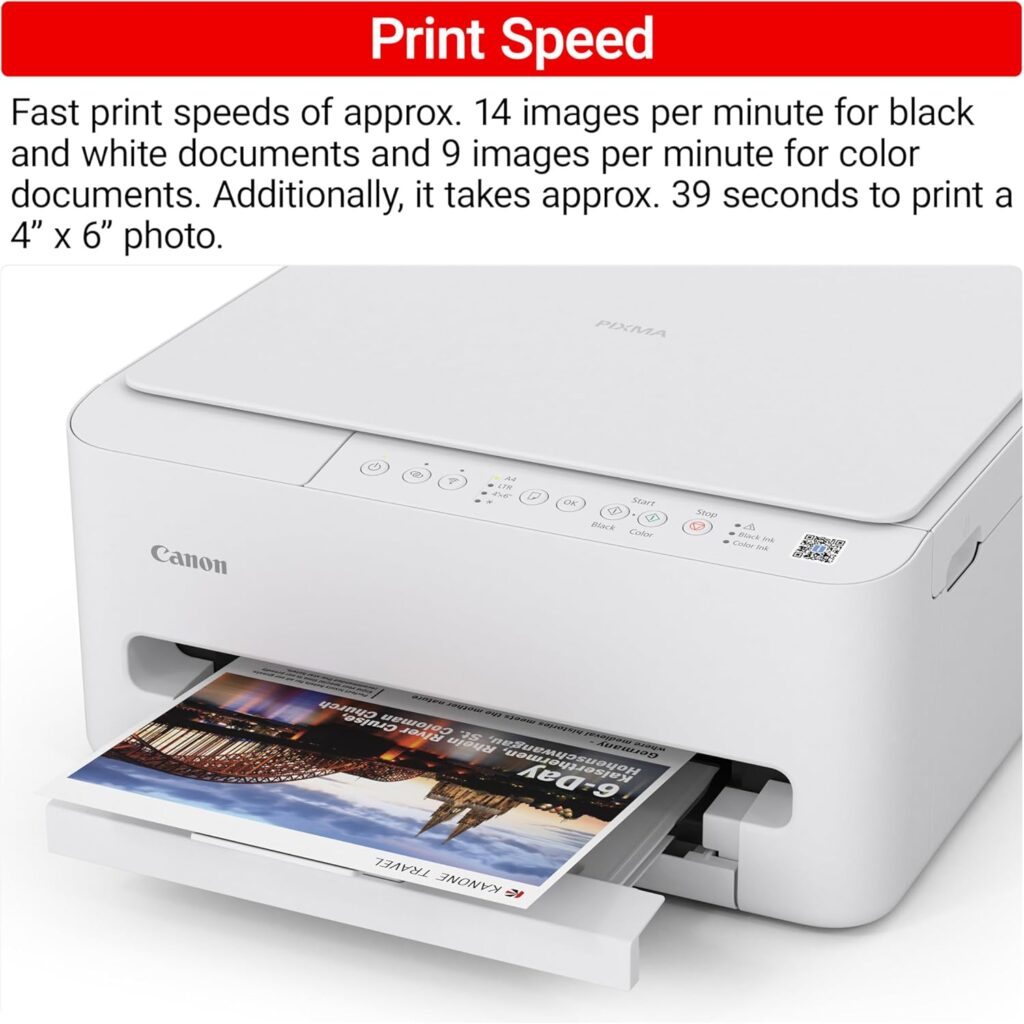
ISO Print Speed: 14.0 ipm (Black) | 9.0 ipm (Color)
Ink System: 2-Cartridge Hybrid (Pigment Black & Dye-Based Color)
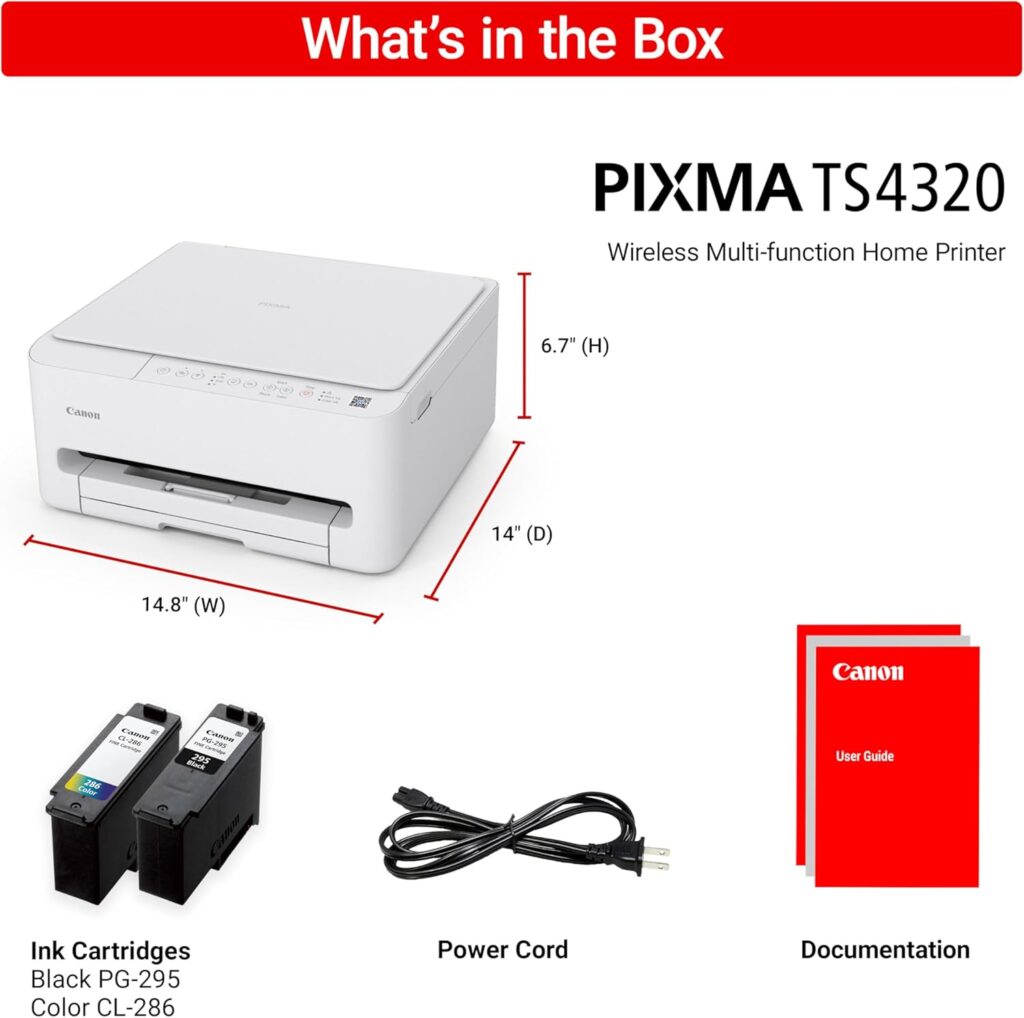
Compatible Cartridges: Canon PG-295 (Black) and CL-286 (Color) — XL sizes available
Paper Capacity: 100-Sheet Rear Cassette (Plain Paper)
Duplex Printing: Automatic 2-Sided Printing
Scanner Type: Flatbed (CIS Sensor)
Optical Scan Resolution: 1200 x 2400 dpi
Connectivity: Dual-band Wi-Fi (2.4/5.0 GHz), Hi-Speed USB
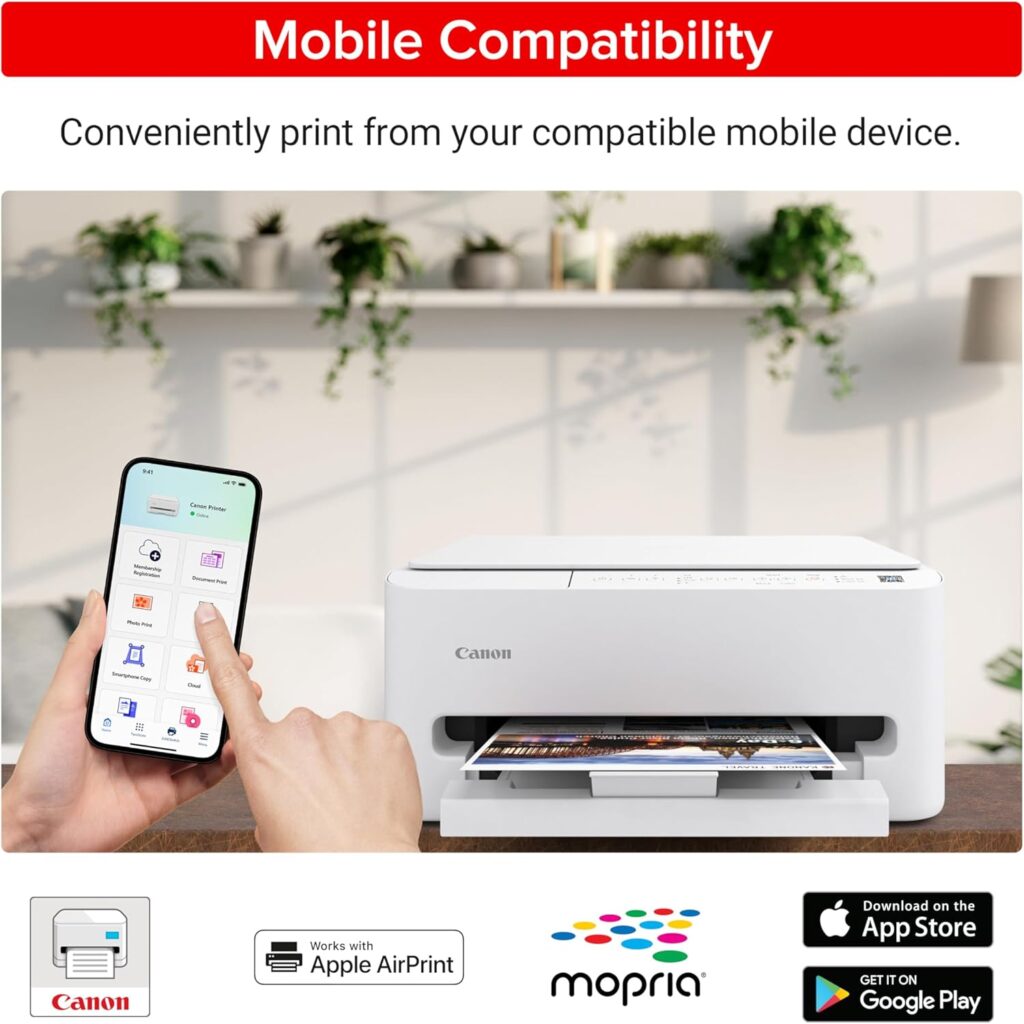
Mobile Support: Canon PRINT app, AirPrint, Mopria, PIXMA Cloud Link
Weight: 11.4 lbs
Dimensions: 14.8″ (L) x 14.0″ (W) x 6.7″ (H)
Warranty: 1-Year Limited Manufacturer Warranty
Canon PIXMA Inkjet OS Compatibility And Setup
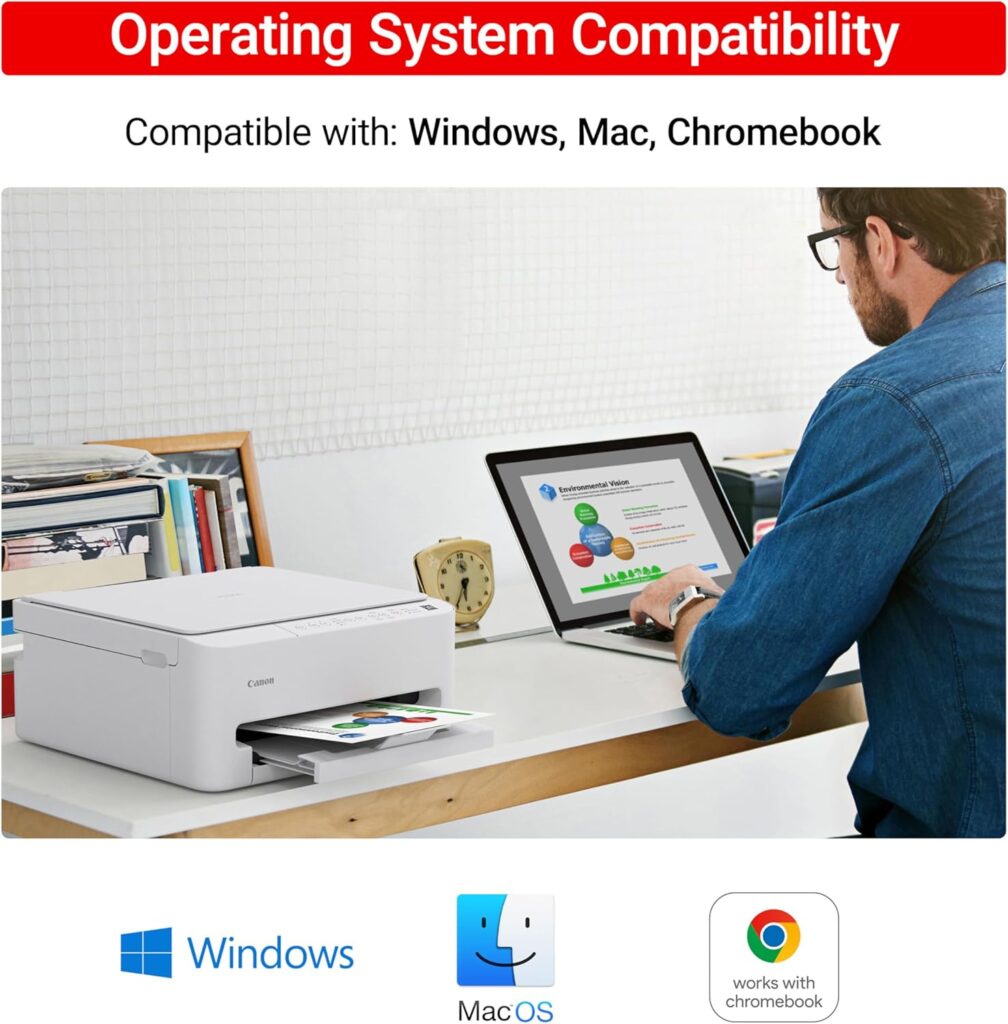
In this Canon PIXMA Wireless Inkjet review, you will find that setup is remarkably modern. Canon focuses on a “mobile-first” approach for the TS4320 model. You simply use the Canon PRINT app on your smartphone. It guides you through every step with clear, visual instructions. Most users finish the entire process in under twenty minutes. This device works seamlessly with Windows 11, 10, 8.1, and 7 SP1. Mac users are covered with support for macOS v10.14 through v12. It even plays well with Chromebooks via native ChromeOS printing. Mobile users on iOS and Android can print instantly using AirPrint or Mopria. This wide compatibility makes it a flexible choice for any modern household.
Canon PIXMA Wireless Inkjet: Smart Features
The auto duplex printing is a total lifesaver. It prints on both sides of paper. This saves you money and helps nature. You do not need a computer screen. The Canon PRINT app manages everything. Setup takes just a few simple minutes. Use AirPrint or Mopria from your phone. It even works with Amazon Alexa. You can print using just your voice.
PIXMA TS4320 Performance vs. The Competition
How does it stack up against rivals? We compared it with two popular models.
| Feature | Canon PIXMA TS4320 | HP Envy 6055e | Epson XP-4200 |
|---|---|---|---|
| Print Speed | 14 ppm (Black) | 10 ppm (Black) | 10 ppm (Black) |
| Duplexing | Automatic | Automatic | Automatic |
| Ink System | 2 Cartridges | 2 Cartridges | 4 Cartridges |
| LCD Screen | No | No | 2.4-inch Color |
This Canon PIXMA Wireless Inkjet review notes speed. The Canon is faster than these competitors. However, the Epson has a nice screen. The HP has a similar simple design.
Affiliate Disclosure: We may earn a small commission. This happens if you buy through links in the Canon PIXMA Wireless Inkjet review. There is no extra cost to you.
Canon Inkjet TS4320: Pros and Cons
Pros
- Very easy mobile-first setup.
- Fast black-and-white printing speeds.
- Compact and attractive white frame.
- Rare duplex printing at this price.
Cons
- No built-in display screen.
- Ink costs can add up quickly.
- Not ideal for high-volume tasks.
Canon PIXMA Wireless Inkjet review: Verdict
The Canon PIXMA TS4320 is a winner. It is perfect for light home use. Students will find it very helpful. Families can print photos and homework. It saves space and looks great. This Canon PIXMA Wireless Inkjet review highly recommends it. It is affordable and very reliable.
FAQs About Canon PIXMA Wireless Inkjet TS4320
Is the Canon PIXMA TS4320 a good budget home printer?
Yes, it is very cost-efficient for users.
Does PIXMA TS4320 wireless color inkjet printer support duplex printing?
Yes, it offers automatic 2-sided printing.
How do I set up my Canon PIXMA TS4320?
Use the Canon PRINT app for easy setup.
Is Canon PIXMA TS4320 printer compatible with my Chromebook?
Yes, it works perfectly with Chrome OS.
Can I print photos from my smartphone on PIXMA TS4320?
Yes, use AirPrint or the Canon app.
What ink cartridges does the TS4320 use?
It uses PG-295 black and CL-286 color.
Does Canon PIXMA TS4320 come with a manufacturer warranty?
Yes, it includes a 1-year limited warranty.
What do you think of this printer? Please share your thoughts below! I love hearing your home office tips.
For More Such Reviews, Click Here
#CanonPIXMA #PrinterReview #HomeOffice #TechReview #BudgetFriendly #WirelessPrinting
Office Products
Twenty years from now you will be more disappointed by the things that you didn’t do than by the ones you did do. Sail away from the safe harbor.